EasySend Help Center
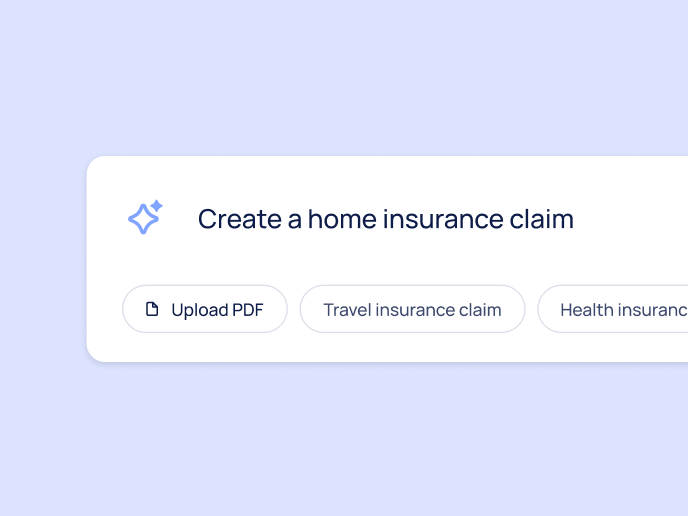
AI-Generated Webflow
Learn how to use the AI-Generated Webflow - a modern, no-code environment for building and managing digital journeys with greater speed, flexibility, and control. It combines layout design, business logic, integrations, and user experience preview into a single unified drag-and-drop canvas, streamlining the entire creation process.
With built-in AI capabilities, you can generate fully functional journeys from a simple text prompt, accelerating time to launch. A native CRM connector supports seamless two-way data flows, while the enhanced Theme screen ensures complete control over branding and visual consistency.
Whether starting from an AI-generated prompt, a PDF upload, a template, or a blank canvas, the AI-Generated Webflow enables teams to design scalable, user-friendly experiences without writing code.
See articles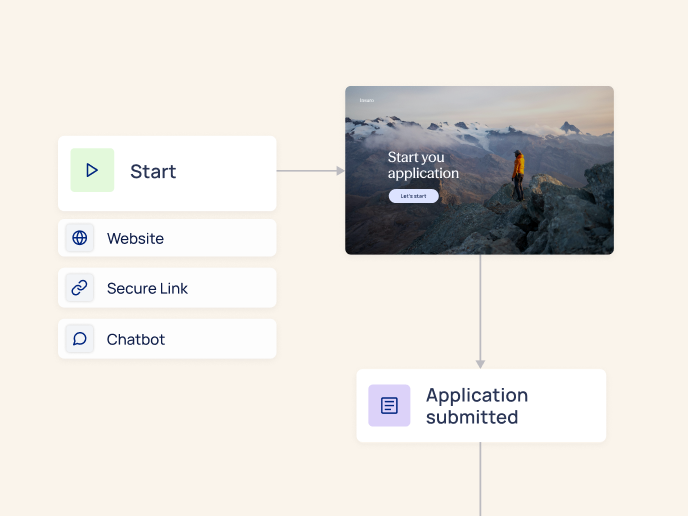
Workflow Manager
Learn how to configure, manage, and monitor workflows within EasySend. Here you’ll find step-by-step instructions for setting up workflow logic, defining steps and transitions, assigning tasks, and managing approvals and routing rules. By configuring workflows effectively, you can control how processes progress, ensure the right stakeholders are involved at the right time, and maintain visibility across each stage of the journey.
See articles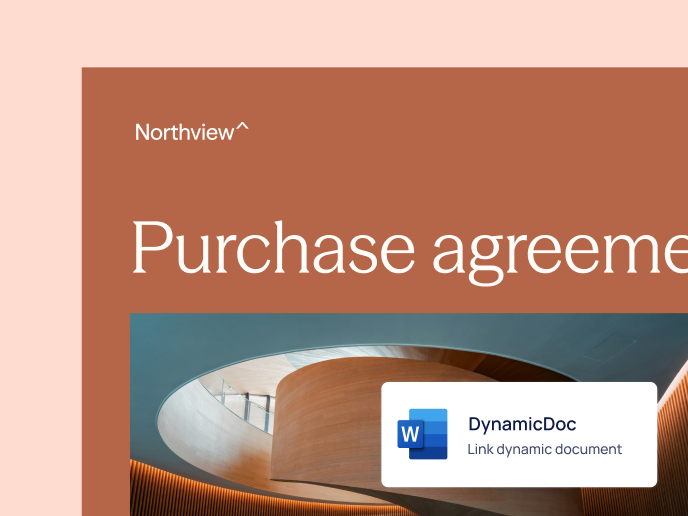
Dynamic Documents
Learn how to create and manage personalized, data-driven documents within EasySend. Here you’ll find step-by-step instructions for creating dynamic document templates, connecting them to your process data, applying business logic and conditions, and generating documents automatically as part of a journey. By configuring dynamic documents, you can ensure that each generated document reflects the exact data and logic of the completed process.
See articles
Salesforce Integration
Learn how to connect EasySend to your Salesforce environment. Here you’ll find step-by-step instructions for installing the EasySend app, configuring the integration within Salesforce, and connecting it to your EasySend processes. By completing these steps, you’ll be able to launch and manage EasySend processes directly from Salesforce.
See articles
monday.com Integration
Learn how to connect EasySend to your mondy.com boards. Here you’ll find step-by-step instructions for installing the EasySend app, configuring the integration within monday.com, and connecting it to your EasySend processes. By completing these steps, you’ll be able to launch and manage EasySend processes directly from your monday.com boards.
See articles
Themes
Learn all about Themes and how to customize them to match the look and feel of your brand.
See articles
Accessibility
Explore articles on how Web Content Accessibility Guidelines (WCAG) are implemented in EasySend. The articles provide insights into how we ensure your web content is accessible to all users, including those with disabilities.
See articles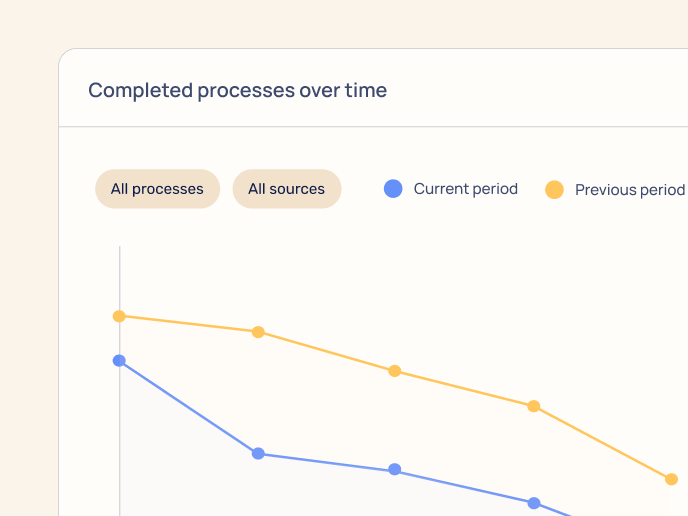
Analytics
Learn how to use EasySend analytics to gain insights and improve the performance of your processes. In addition, learn how to create custom dashboards on your own.
See articles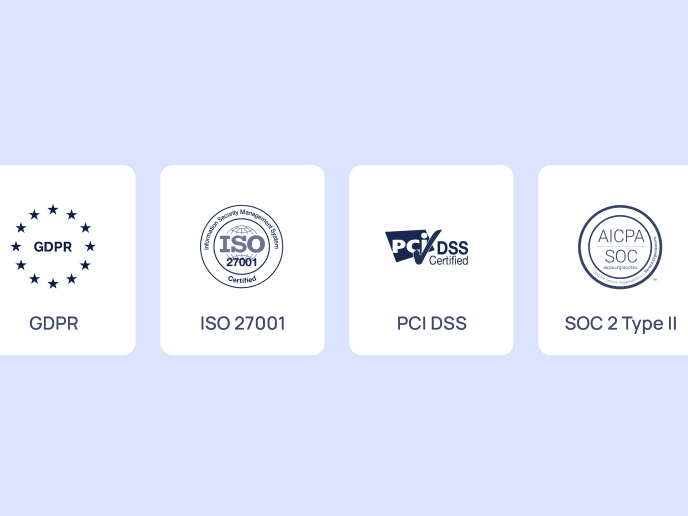
Security
This section contains articles dedicated to EasySend’s security features. It delves into solutions designed to protect your organization and its information.
See articles