Overview
As part of our ongoing efforts to improve system performance and security, we will conduct maintenance on our production environment on April 4th. During this time, the Builder platform and live processes will experience temporary service disruptions.
Q & A
When will it occur?
Answer
Start: April 4th, 07:00 AM UTC
Estimated Duration: Approximately 2 hours
Expected Completion: Around 09:00 AM UTC
What will happen?
Answer
(See Figure 1)
During the maintenance window:
The Builder platform will not be accessible.
Live processes will not be available.
Builder users and end-users attempting to access the Builder platform or to interact with a process during this time will see a temporary maintenance message, for example:
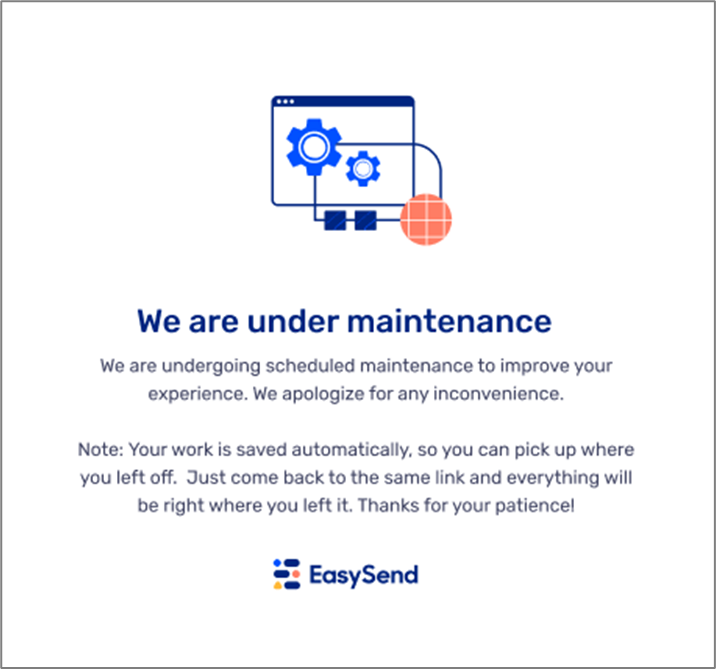
Figure 1: Maintenance Message Example
What Will Builder Users See and Experience?
Answer
If a Builder user attempts to access the Builder platform during the maintenance window, they will see a message indicating that the system is temporarily under maintenance and should try again shortly.
If a Builder user started building/editing a process before the maintenance began, their progress will be saved automatically.
Once maintenance is complete, they can resume building/editing the process from where they left off.
What will End-Users See and Experience?
Answer
If an end-user attempts to access a process during the maintenance window, they will see a message indicating that the system is temporarily under maintenance and should try again shortly.
If an end-user started a process before maintenance began, their progress will be saved automatically.
If maintenance starts while a process is in progress, the user’s progress will be automatically saved and can be resumed once the maintenance is complete.
Once maintenance is complete, they can resume the process from where they left off.
Will data be corrupted?
Answer
Your end-users' data is safe. If a digital process goes down during maintenance, all entered information will be securely saved, and users can resume where they left off once the system is back online.
What will happen after the Maintenance?
Answer
Once maintenance is complete, access to the Builder platform, all services, and live processes will resume normal operation automatically. No action is required from users.